Full backup of your cPanel Account 列印本文
1. Log into your cPanel account.
2. In the "Files" section, click on "Backup" Icon.
3. Under "Full Backup", click on the "Download a Full Website backup" button. 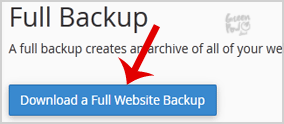
4. From the dropdown menu, select the backup destination as "Home" and enter your email address in the e-mail field so that you can receive notification when the backup is complete. 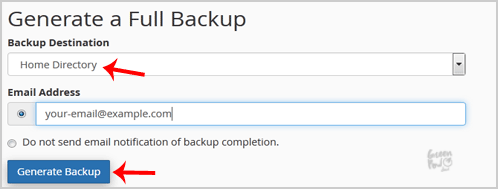
After the cPanel backup is completed, you will receive notification and the backup will be available for download under the "Backups Available for Download" list on the Full backup page. 